
Draws easily beautiful dendrograms using either R base plot or ggplot2. It also provides options for circular dendrograms and phylogenetic-style trees.
Read more: Visualizing Dendrograms in R: Color, Zoom & Customize; to compare two trees see Comparing Dendrograms in R: Tanglegrams & Correlation.
Usage
fviz_dend(
  x,
  k = NULL,
  h = NULL,
  k_colors = NULL,
  palette = NULL,
  show_labels = TRUE,
  color_labels_by_k = TRUE,
  match_coord_colors = FALSE,
  label_cols = NULL,
  labels_font = "plain",
  labels_track_height = NULL,
  repel = FALSE,
  lwd = 0.7,
  highlight = NULL,
  highlight.col = "red",
  highlight.lwd = NULL,
  type = c("rectangle", "circular", "phylogenic"),
  phylo_layout = "layout.auto",
  rect = FALSE,
  rect_border = "gray",
  rect_lty = 2,
  rect_fill = FALSE,
  lower_rect,
  horiz = FALSE,
  cex = 0.8,
  main = "Cluster Dendrogram",
  xlab = "",
  ylab = "Height",
  sub = NULL,
  ggtheme = theme_classic(),
  ...
)
Arguments
- x
an object of class dendrogram, hclust, agnes, diana, hcut, hkmeans or HCPC (FactoMineR).
- k
the number of groups for cutting the tree.
- h
a numeric value. Cut the dendrogram by cutting at height h. (k overrides h)
- k_colors, palette
a vector containing colors to be used for the groups. It should contain
kcolors. Allowed values also include "grey" for grey color palettes; brewer palettes e.g. "RdBu", "Blues", ...; and scientific journal palettes from ggsci R package, e.g.: "npg", "aaas", "lancet", "jco", "ucscgb", "uchicago", "simpsons" and "rickandmorty".- show_labels
a logical value. If TRUE, leaf labels are shown. Default value is TRUE.
- color_labels_by_k
logical value. If TRUE, labels are colored automatically by group when k != NULL.
- match_coord_colors
logical value. Default is FALSE, where dendrogram colors follow the left-to-right leaf order. If TRUE, cluster colors are remapped to cluster-label order so they match
fviz_cluster()andfviz_silhouette()for the same clustering.- label_cols
a vector containing the colors for labels.
- labels_font
font face for the leaf labels of "rectangle"/"circular" dendrograms. One of "plain" (default), "bold", "italic" or "bold.italic". Default "plain" leaves labels unchanged.
- labels_track_height
a positive numeric value for adjusting the room for the labels. Used only when type = "rectangle".
- repel
logical value. Use repel = TRUE to avoid label overplotting when
type = "phylogenic". The literal"phylogenic"value is a historical API token retained for compatibility.- lwd
a numeric value specifying dendrogram branch and rectangle line width.
- highlight
an optional character vector of leaf labels; the branches leading to those leaves are emphasized (thicker, and coloured
highlight.col) while every other branch keeps its colour and width.NULL(default) highlights nothing. Has no effect fortype = "phylogenic"(that layout does not colour branch segments).- highlight.col
colour (name or hex) for the highlighted branches.
- highlight.lwd
line width for the highlighted branches.
NULL(default) uses2 * lwdso the emphasis stands out by thickness regardless of colour; sethighlight.lwd = lwdfor colour-only emphasis.- type
type of plot. Allowed values are
"rectangle","circular", and the historical compatibility token"phylogenic"for a phylogenetic-style tree.- phylo_layout
the layout used for phylogenetic-style trees. Default value is "layout.auto", which is kept as a compatibility alias for
"layout_nicely". Allowed values include:layout.auto,layout_nicely,layout_with_drl,layout_as_tree,layout.gem,layout_with_gem,layout.mds,layout_with_mdsandlayout_with_lgl.- rect
logical value specifying whether to add a rectangle around groups. Used only when k != NULL.
- rect_border, rect_lty
border color and line type for rectangles.
- rect_fill
a logical value. If TRUE, fill the rectangle.
- lower_rect
a value of how low should the lower part of the rectangle around clusters. Ignored when rect = FALSE.
- horiz
a logical value. If TRUE, a horizontal dendrogram is drawn.
- cex
size of labels
- main, xlab, ylab
main and axis titles
- sub
Plot subtitle. Default is NULL (no subtitle). Set to a character string to display a subtitle below the title, e.g.
sub = paste0("Method: ", "ward.D2").- ggtheme
function, ggplot2 theme name. Default value is theme_classic(). Allowed values include ggplot2 official themes: theme_gray(), theme_bw(), theme_minimal(), theme_classic(), theme_void(), ....
- ...
other arguments to be passed to the function plot.dendrogram()
Value
an object of class fviz_dend which is a ggplot with the attributes "dendrogram" accessible using attr(x, "dendrogram"), where x is the result of fviz_dend().
Details
For branch styling beyond highlight - for example dashed
branches or per-branch colours - pre-style a dendextend dendrogram and
pass it to fviz_dend(), which honours its set() aesthetics:
  library(dendextend)
  dend <- as.dendrogram(hclust(dist(scale(USArrests))))
  dend <- set(dend, "branches_lty", 2)   # dashed branches
  fviz_dend(dend)
Comparing two dendrograms. To compare two hierarchical clusterings of
the same observations (e.g. different linkages), draw a tanglegram with
dendextend (already a dependency): the two trees face each other, matched
leaves are connected, and entanglement() measures agreement (0 = perfect,
1 = worst). This uses base graphics.
  library(dendextend)
  d1 <- as.dendrogram(hclust(dist(scale(USArrests)), "complete"))
  d2 <- as.dendrogram(hclust(dist(scale(USArrests)), "average"))
  dl <- dendlist(d1, d2)
  dl <- untangle(dl, method = "step2side")        # reduce crossings
  tanglegram(dl, common_subtrees_color_branches = TRUE)
  entanglement(dl)                                 # agreement, in [0, 1]
Both dendrograms must share the same leaf labels.
See also
tanglegram, entanglement
for comparing two dendrograms (see Details).
Online tutorials: Visualizing Dendrograms in R: Color, Zoom & Customize
and Comparing Dendrograms in R: Tanglegrams & Correlation.
Examples
# \donttest{
# Load and scale the data
data(USArrests)
df <- scale(USArrests)
# Hierarchical clustering
res.hc <- hclust(dist(df))
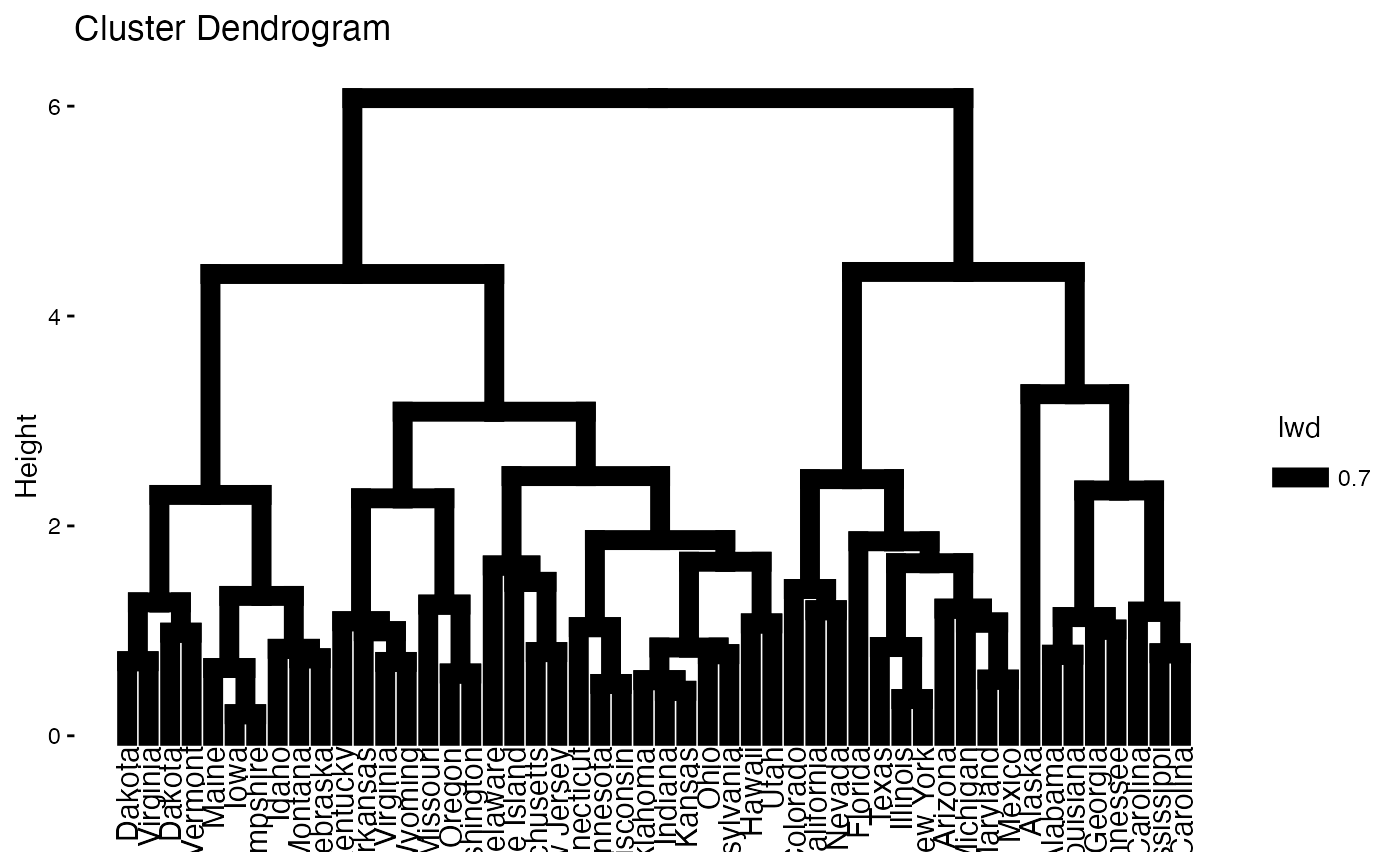
# Default plot
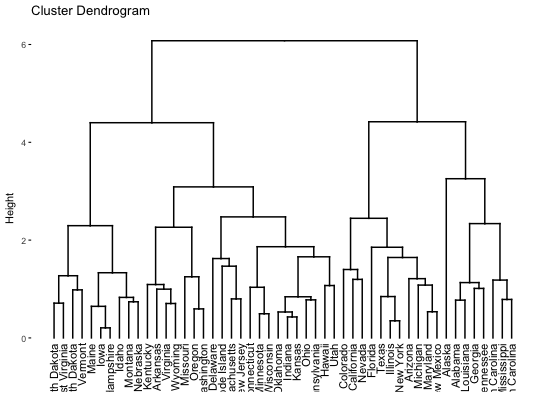
fviz_dend(res.hc)
#> Registered S3 method overwritten by 'dendextend':
#> method from
#> rev.hclust vegan
 # Increase branch and rectangle line widths
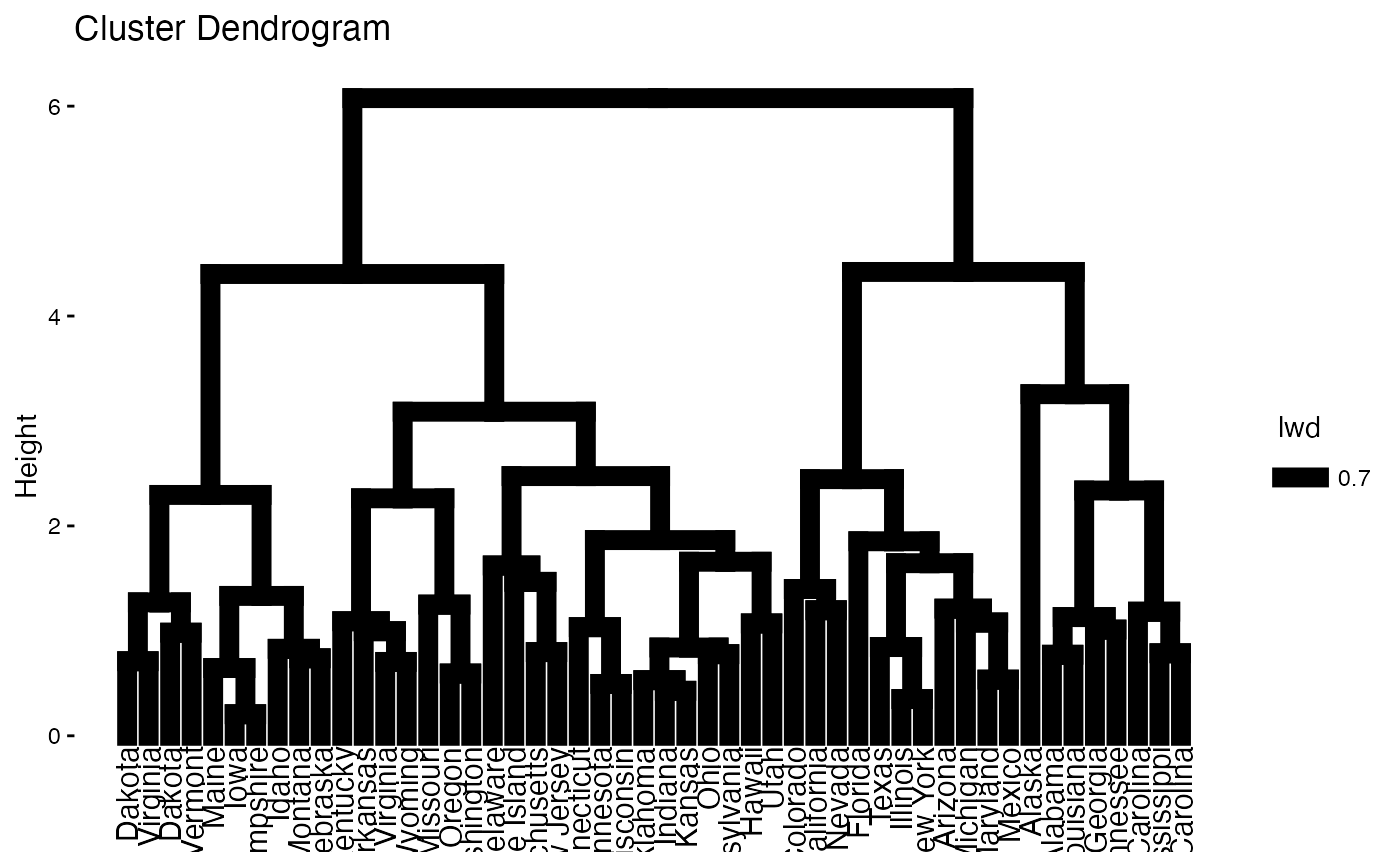
fviz_dend(res.hc, lwd = 2)
# Increase branch and rectangle line widths
fviz_dend(res.hc, lwd = 2)
 # Cut the tree
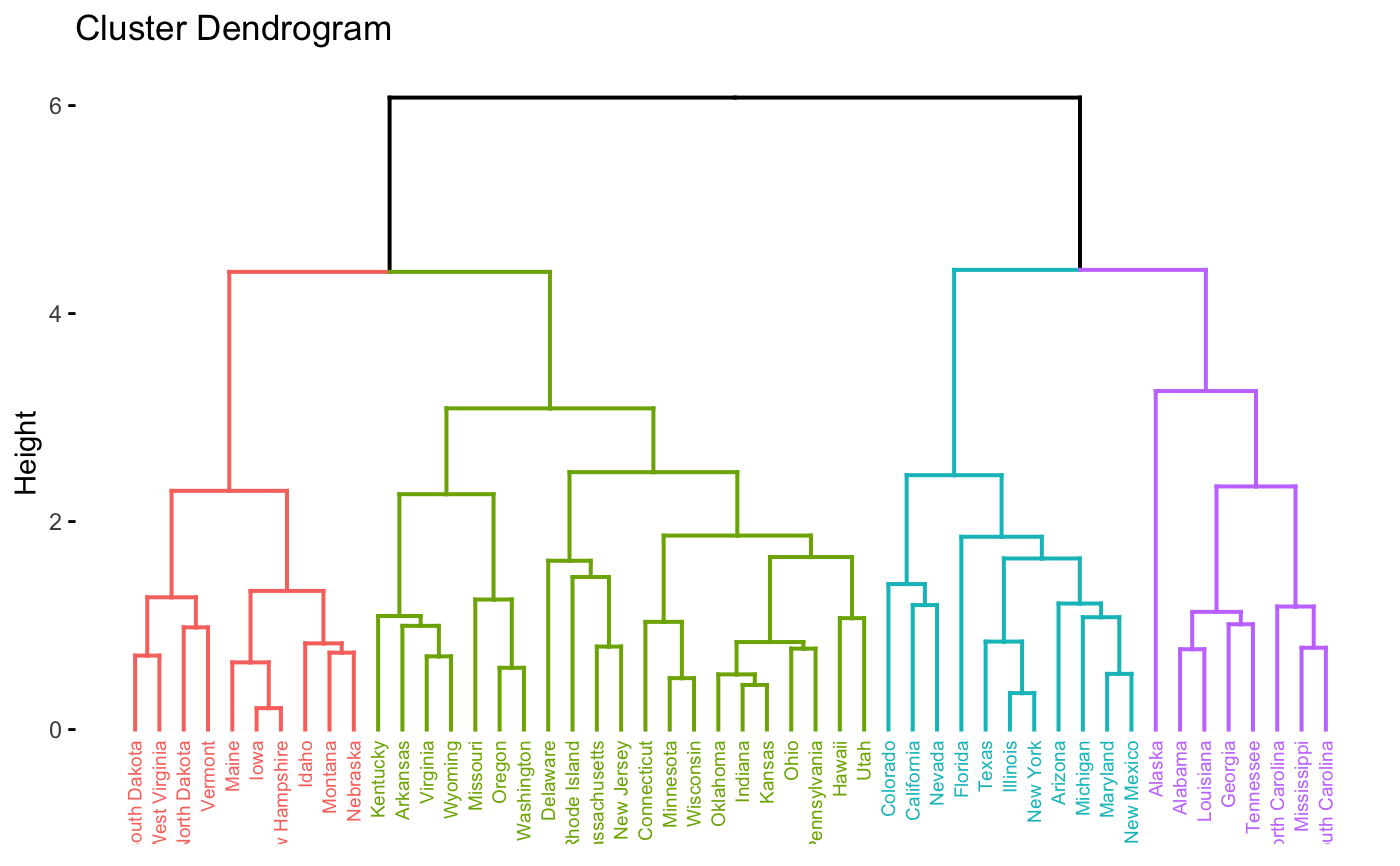
fviz_dend(res.hc, cex = 0.5, k = 4, color_labels_by_k = TRUE)
# Cut the tree
fviz_dend(res.hc, cex = 0.5, k = 4, color_labels_by_k = TRUE)
 # Don't color labels, add rectangles
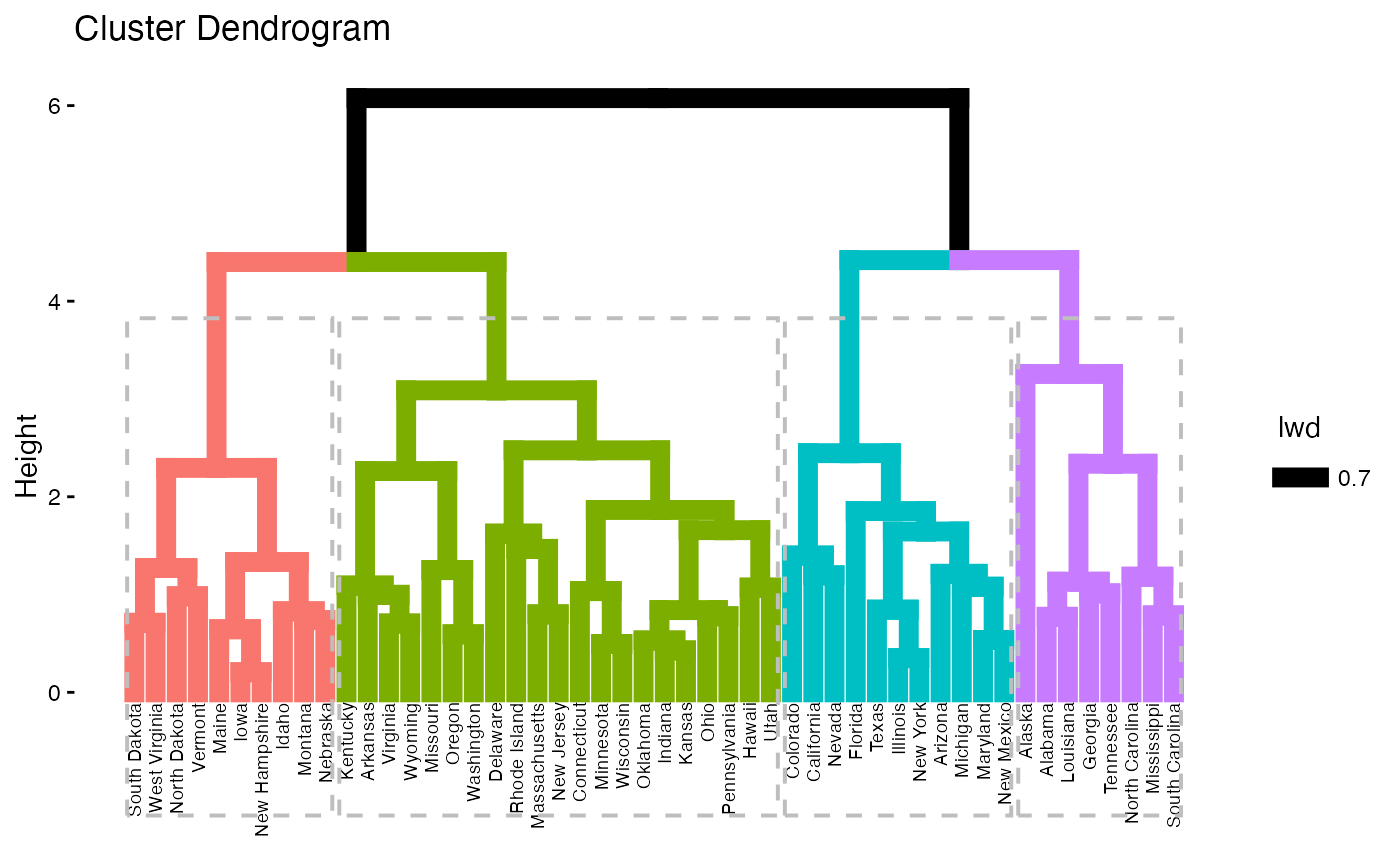
fviz_dend(res.hc, cex = 0.5, k = 4,
color_labels_by_k = FALSE, rect = TRUE)
# Don't color labels, add rectangles
fviz_dend(res.hc, cex = 0.5, k = 4,
color_labels_by_k = FALSE, rect = TRUE)
 # Change the color of tree using black color for all groups
# Change rectangle border colors
fviz_dend(res.hc, rect = TRUE, k_colors ="black",
rect_border = 2:5, rect_lty = 1)
# Change the color of tree using black color for all groups
# Change rectangle border colors
fviz_dend(res.hc, rect = TRUE, k_colors ="black",
rect_border = 2:5, rect_lty = 1)
 # Customized color for groups
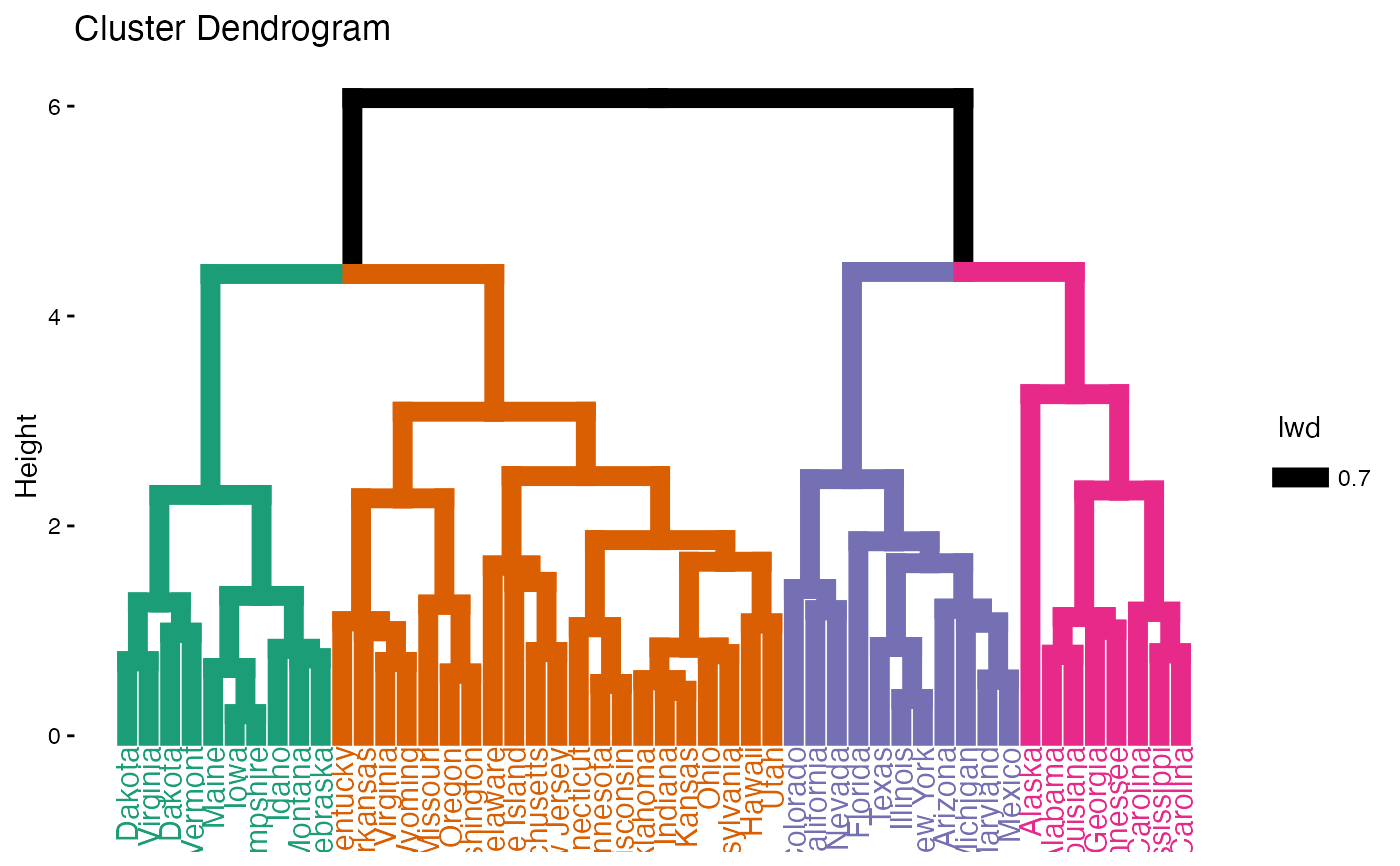
fviz_dend(res.hc, k = 4,
k_colors = c("#1B9E77", "#D95F02", "#7570B3", "#E7298A"))
# Customized color for groups
fviz_dend(res.hc, k = 4,
k_colors = c("#1B9E77", "#D95F02", "#7570B3", "#E7298A"))
 # Color labels using k-means clusters
km.clust <- kmeans(df, 4)$cluster
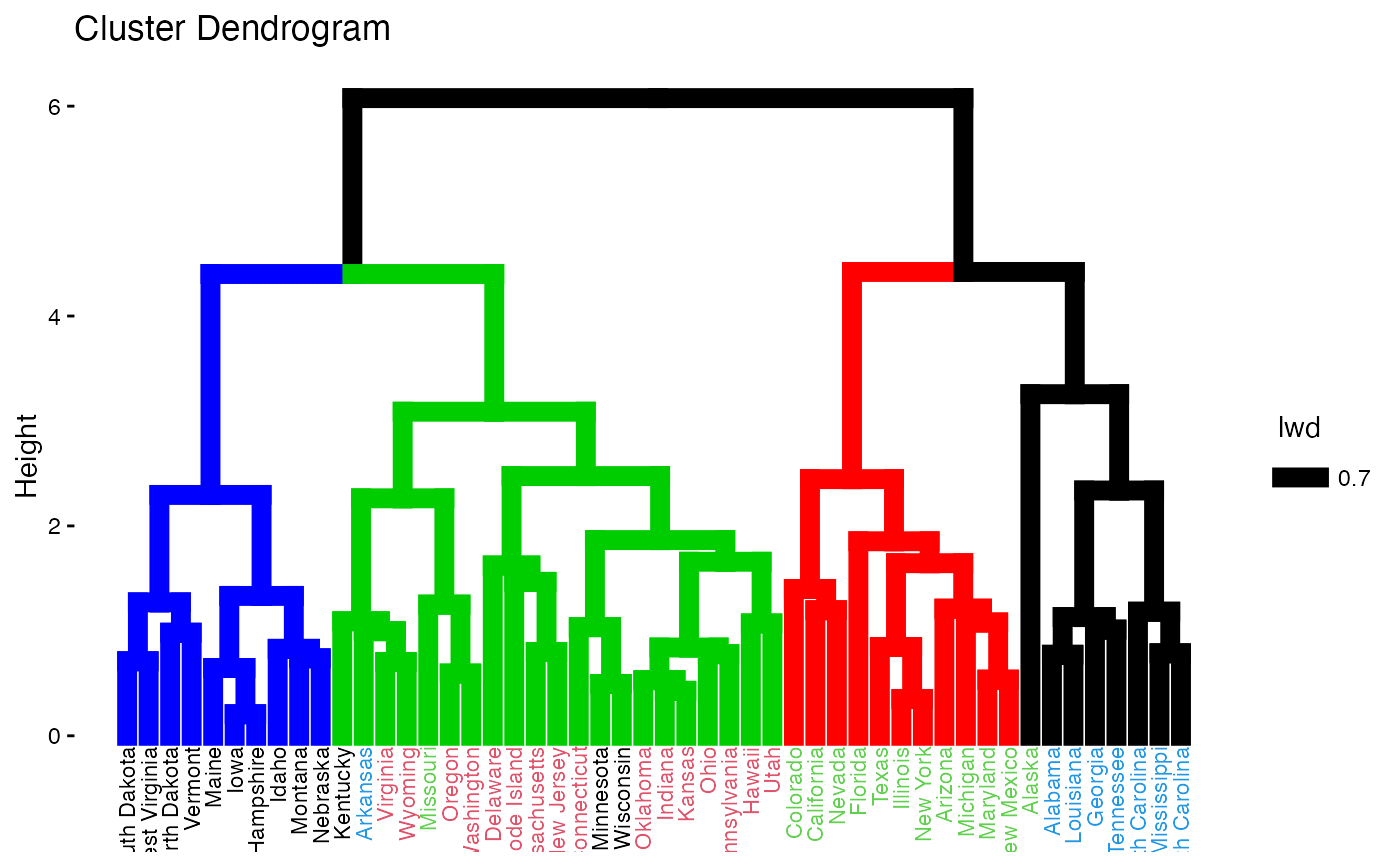
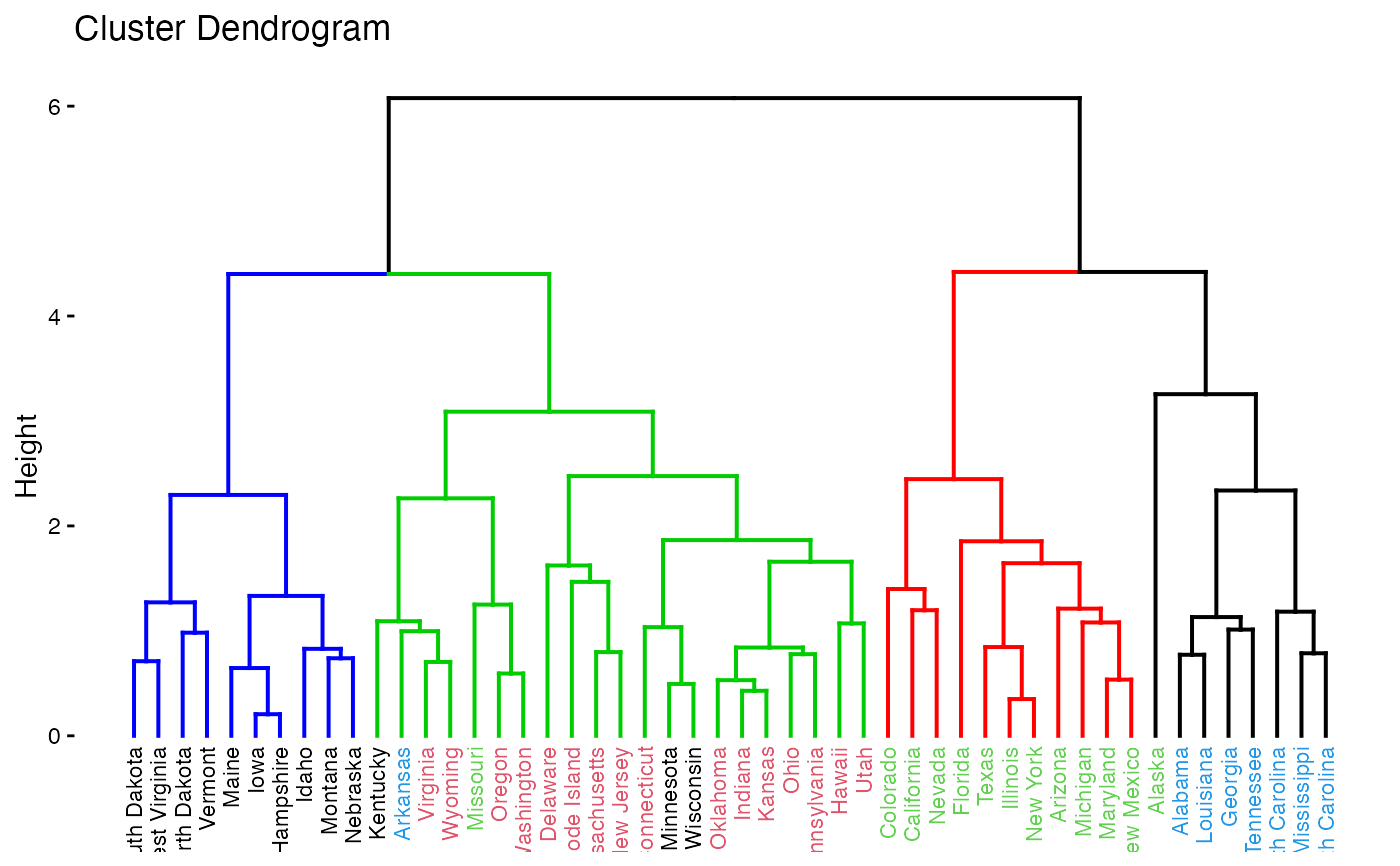
fviz_dend(res.hc, k = 4,
k_colors = c("blue", "green3", "red", "black"),
label_cols = km.clust[res.hc$order], cex = 0.6)
# Color labels using k-means clusters
km.clust <- kmeans(df, 4)$cluster
fviz_dend(res.hc, k = 4,
k_colors = c("blue", "green3", "red", "black"),
label_cols = km.clust[res.hc$order], cex = 0.6)
 # Phylogenetic-style tree layouts support both compatibility aliases and
# current igraph layout names
if (requireNamespace("igraph", quietly = TRUE)) {
fviz_dend(res.hc, type = "phylogenic", phylo_layout = "layout_nicely",
show_labels = FALSE)
}
# Phylogenetic-style tree layouts support both compatibility aliases and
# current igraph layout names
if (requireNamespace("igraph", quietly = TRUE)) {
fviz_dend(res.hc, type = "phylogenic", phylo_layout = "layout_nicely",
show_labels = FALSE)
}
 # }
# }